since 2004 latest update 01092026

over 1’100 working vintage apple computers
-
models
-
apple I
-
apple II
-
apple IIc
-
apple III
-
apple lisa
-
macintosh 128/512k
-
apple IIgs
-
macintosh plus
-
macintosh se
-
macintosh classic
-
macintosh II, x, fx
-
macintosh IIcx, ci, si, vx, vi
-
macintosh lc
-
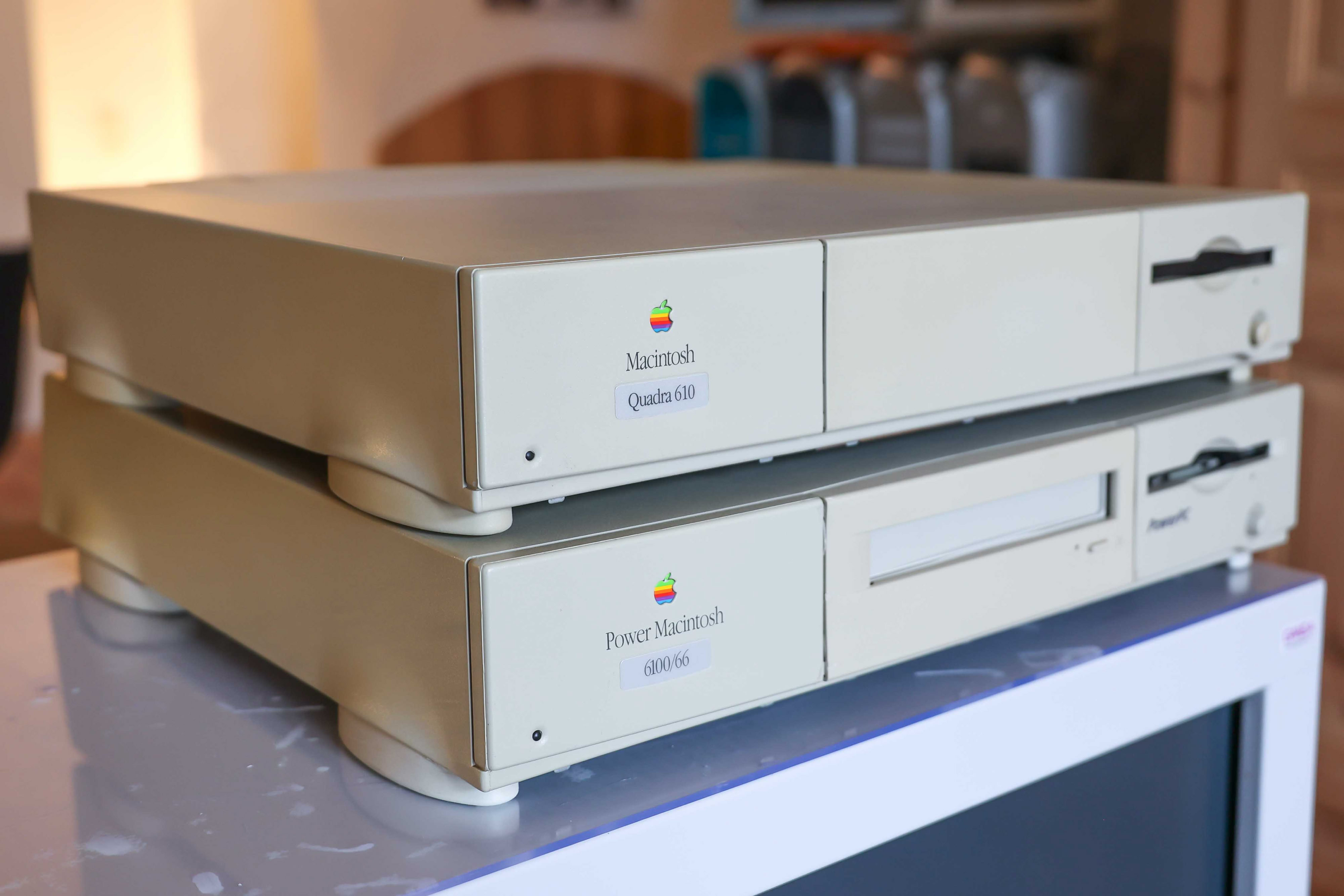
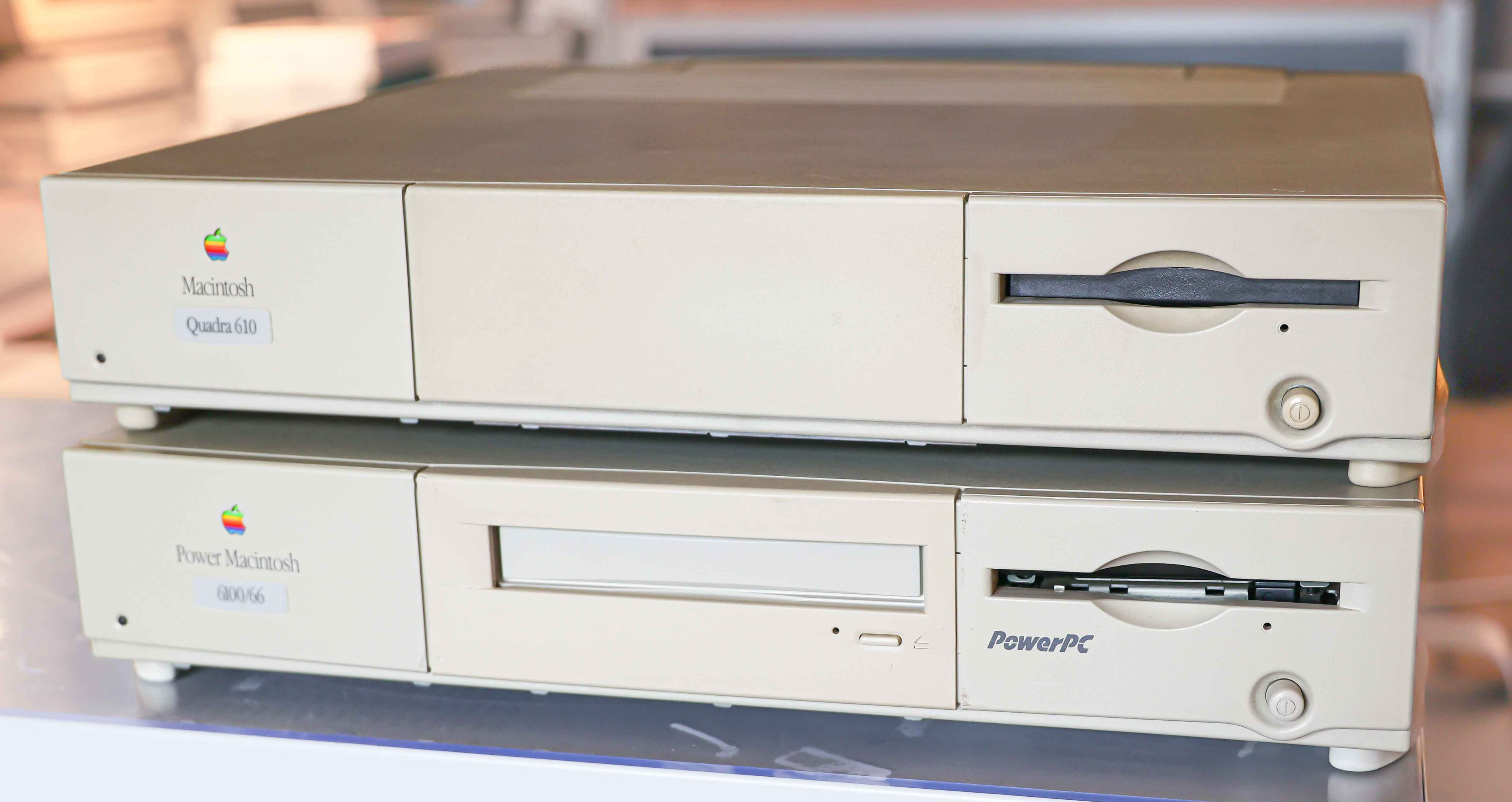
macintosh quadra
-
macintosh centris
-
newton
-
power macintosh
-
power macintosh G3
-
power macintosh G4
-
cube G4
-
mac mini G4
-
power macintosh G5
-
xserve
-
mac pro
-
imac G3
-
imac G4
-
neXTstation
-
imac G5
-
macintosh portable
-
powerbook 100
-
powerbook 140
-
powerbook 170
-
powerbook 145/b
-
powerbook 160
-
powerbook 165/c
-
powerbook 180/c
-
powerbook 150
-
powerbook 190/cs
-
duo docking station
-
powerbook duo 210
-
powerbok duo 230
-
powerbook duo 250
-
powerbook 270c
-
powerbook 280/c
-
powerbook duo 2300c
-
powerbook 520/c
-
powerbook 540/c
-
powerbook 540 ppc
-
powerbook 550c
-
powerbook 5300/cs/c/ce
-
powerbook 1400cs/c
-
powerbook 2400c
-
powerbook 3400c
-
tam
-
powerbook 3500c
-
powerbook G3 wallstreet
-
powerbook g3 lombard
-
powerbook G3 pismo
-
powerbook G4 titanium
-
powerbook G4 aluminium
-
ibook G3 clamshell
-
macbook polycarbonate
-
ibook G3
-
ibook G4
-
macbook air
-
macbook pro
-
macbook
-
-
highlights
-
collection
-
history
-
repair
-
inside
-
search
-
links
-
magazines